

The right parts, the first time.
Two free apps that specify your LED project for you.
Picking LED components by hand is where projects go wrong: a strip that doesn't match the channel, a driver that can't carry the load, a connector short. Our apps take your real dimensions and return a complete, compatible bill of materials — plus the cut guide, wiring diagram and installation report to put it in right.

Why specify with an app
Every part in the list is chosen against the others, so what arrives works together and installs the way the plan says.
Fewer selection errors
Strip, channel, driver, controller and connectors are matched by the app — voltage, load, dimming and fit checked for you. No mixing a 12V strip with a 24V driver, no channel the strip doesn't fit.
Nothing missing on install day
The bill of materials counts every strip, sheet, connector, cable run and end cap for your exact dimensions. One order, one delivery, no second trip to the store.
Cut guides and wiring diagrams
Every segment labeled with its length and where it comes from, and a per-driver connection diagram with photos of the real products. Print it and hand it to whoever installs.
The right light, not just enough light
Wattage and density calculated for the surface and material, so stone glows evenly without hot spots and a shelf reads bright from end to end — before you commit to a $15,000 slab or a finished kitchen.
The two apps
Same idea, two very different products: strips in channels, or module sheets behind a translucent surface.
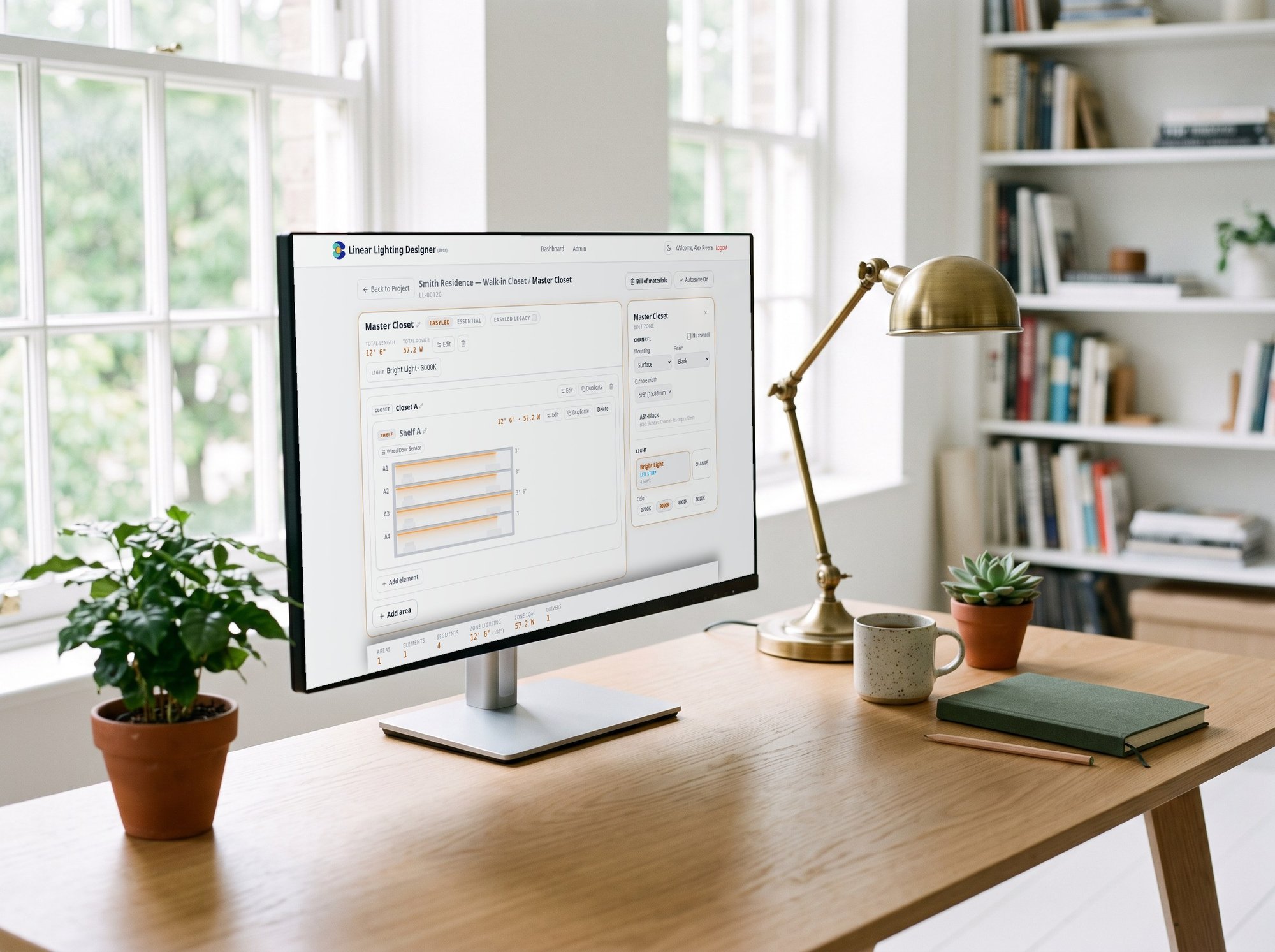
Design it with the Linear Lighting App.
Input your dimensions and get a complete BOM — strips, channels, drivers and accessories — with cut plan and wiring diagram. One click to your cart.
- Every strip, channel, driver and connector — sized and counted for you
- Cut plan and wiring diagram, ready to print for the install
- Projects saved to your account — revisit, clone and re-order
- Add the whole bill of materials to your cart in one click
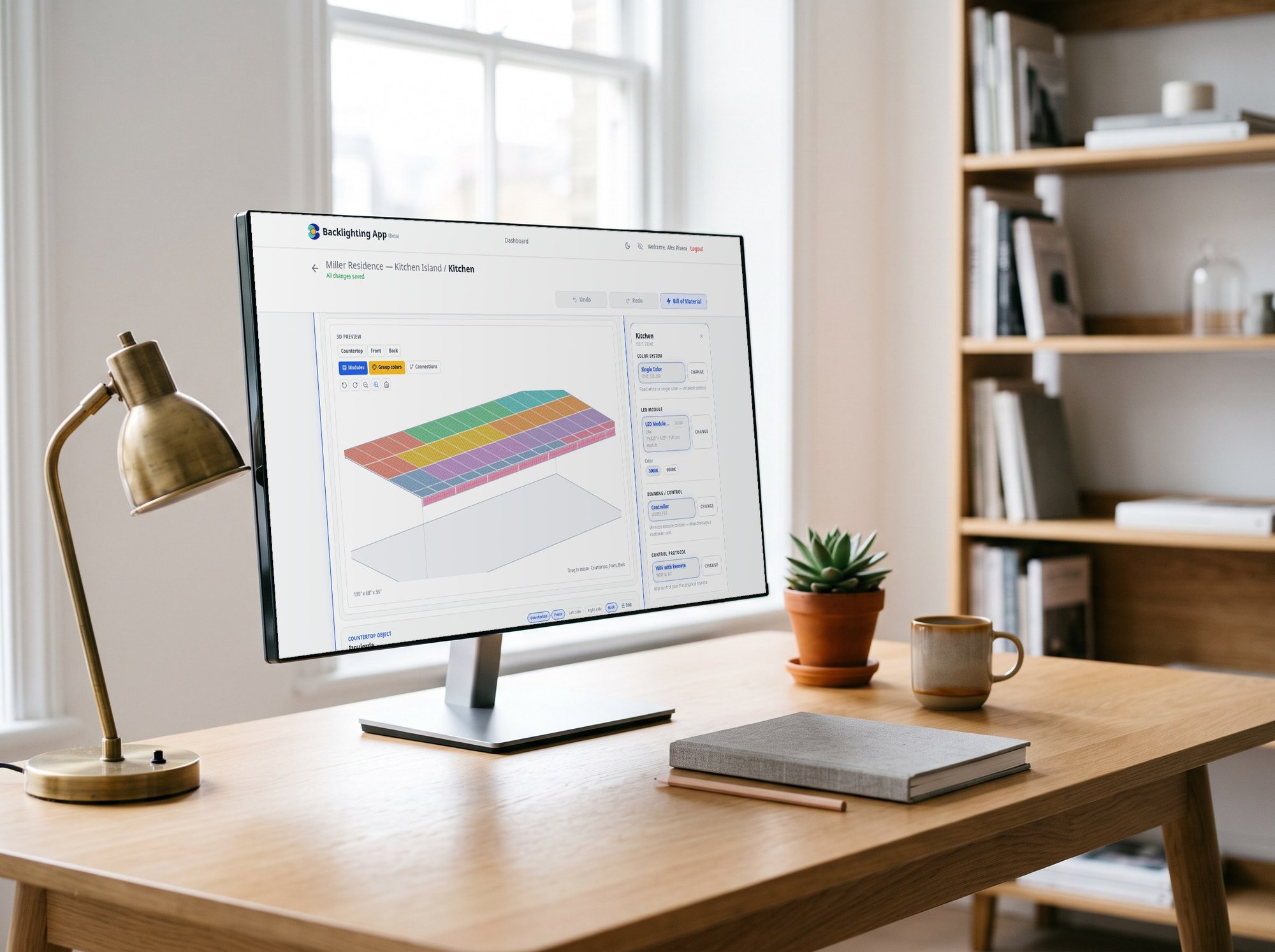
Backlight stone and glass with the Backlighting App.
Draw your countertop, backsplash or wall panel — sinks and cutouts included — and get the exact module layout, wattage, driver size and cut guide. Prevent oversaturation and color shift before you commit to the installation.
- Module layout on a real grid, with holes and L-shaped countertops
- 3D preview of every face before you order a single sheet
- Drivers, amplifiers and cable lengths calculated — no guesswork
- Cut guide, connection diagram and installation report included
How it works
Four steps from an empty room to a complete order — in either app.
Pick the application
Kitchen, closet, shelf, stair, mirror — or countertop, backsplash, wall panel. Choose the surface and the color system.
Enter real dimensions
Draw the areas with their lengths, holes and cutouts. The layout updates as you type.
Get the plan
Bill of materials, drivers and amplifiers sized, cut guide, wiring diagram and installation report — in seconds. Print it for the job.
Order in one click
Send the whole list to your cart with live stock. The project stays saved in your account to clone and re-order.
Ready to specify your first project?
Free with your EcoPowerTech account. No card. Your projects stay saved.