
Backlight stone and glass
without guessing a single module.
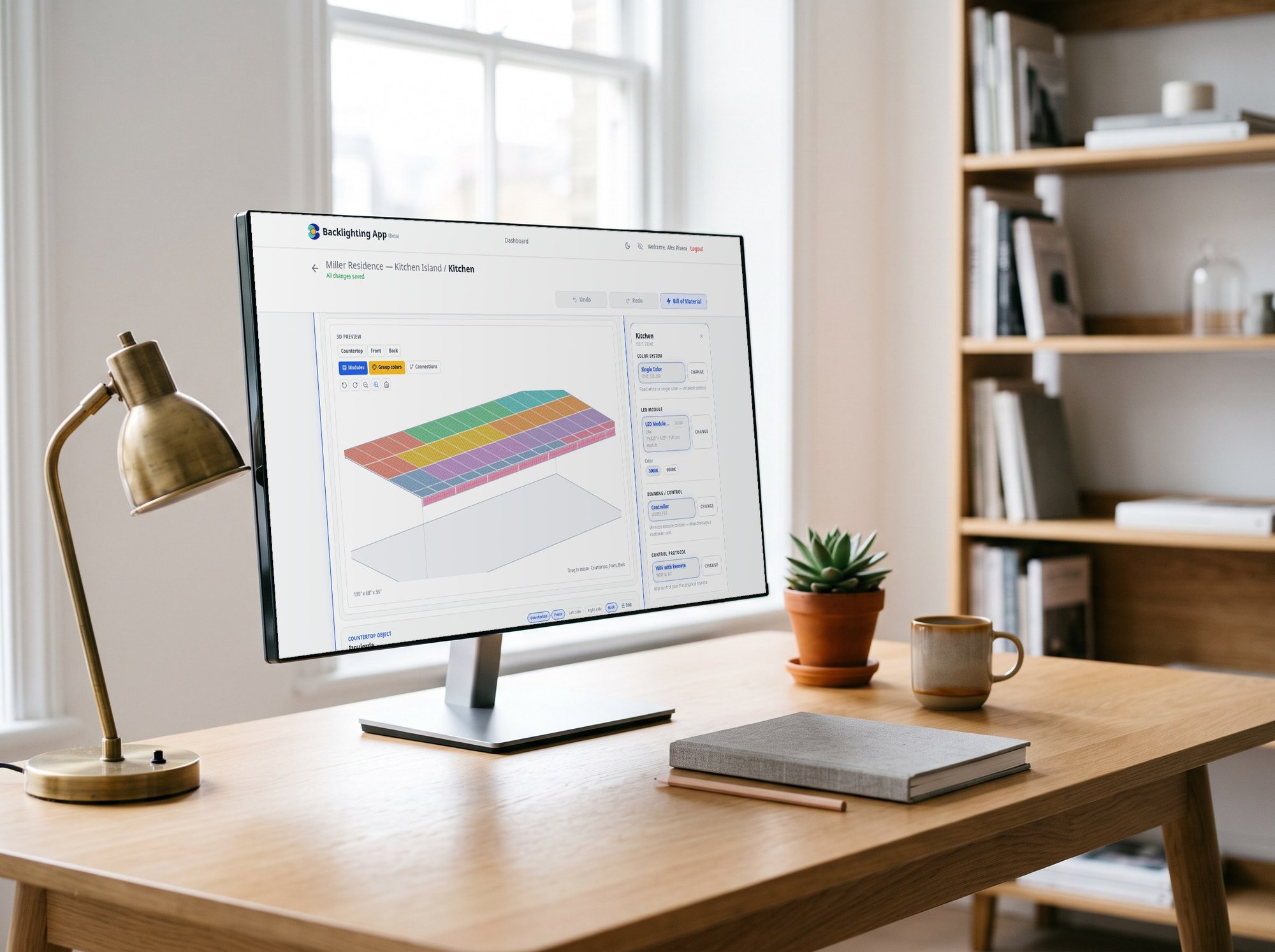
Draw your countertop, backsplash, wall panel or shelf — with sinks, cutouts and L-shapes — and the app lays out the LED module sheets on a real grid, sizes the drivers and amplifiers, and gives you the cut guide and connection diagram. See it in 3D before you order a single sheet.
Your projects are saved to your EcoPowerTech account so you can revisit a countertop, clone it for the next slab and re-order the exact same parts. Creating an account is free and takes a minute.
What you get
Real module layout
LED sheets arranged on the actual grid of your stone — holes, sink cutouts and L-shaped countertops included. Every cut is planned, nothing is abandoned.
3D preview
Rotate every face — top, front, sides — and see exactly where each module and connection lands before you commit.
No oversaturation, no color shift
Wattage and module density calculated for the material, so the stone glows evenly instead of showing hot spots or a yellow cast.
Drivers, amplifiers and cable
Power supplies packed by real connection loads, amplifiers and controllers for RGB/RGBW, and cable lengths added to the BOM.
Cut guide and connection diagram
Printable, paginated plans: which sheet to cut where, and how every module wires back to its driver. Plus a full installation report.
One click to your cart
Push the whole bill of materials to your cart with live stock. Save the project, clone it for the next slab, re-order later.
How it works
Four steps from an empty room to a complete order.
Pick the application
Countertop, backsplash, wall mural, shelf — choose the surface and the color system.
Draw the area
Width, depth and height; add sinks, cutouts and edge gaps. The grid updates as you type.
Run the calculation
Module layout, 3D preview, drivers, amplifiers, cut guide and connection diagram — in seconds.
Order in one click
Send the bill of materials to your cart and check out. Your project stays saved for next time.
Ready to design your first project.
Free. No card. Your projects stay saved to your account.