
Specify your linear lighting project
in minutes, not hours.
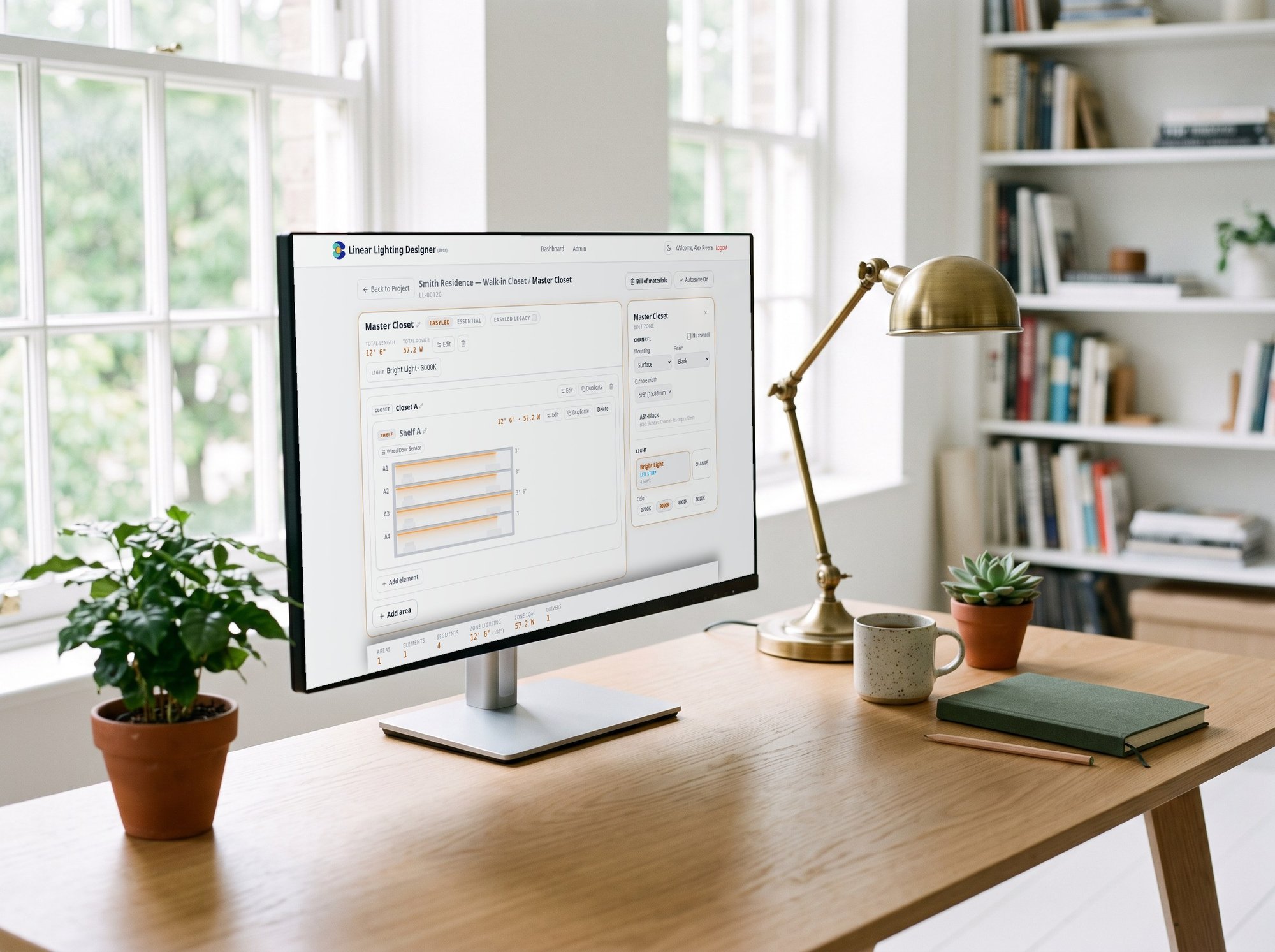
Draw your kitchen, closet, shelf or cove with real dimensions and the app builds the complete bill of materials — strips, channels, drivers, connectors and accessories — with a cut plan and a wiring diagram. Then send it to your cart in one click.
Your projects are saved to your EcoPowerTech account so you can come back, clone a design for the next job and re-order the exact same parts. Creating an account is free and takes a minute.
What you get
Visual zone editor
Kitchen, closet, shelf, cove, stair — add areas and elements with their real lengths. The app does the math, not you.
Complete bill of materials
Strips, aluminum channels, drivers, controllers, connectors and cable — matched, sized and counted. Nothing missing when the crew shows up.
Cut plan
Every segment labeled with its length and which roll it comes from. Cut right the first time — no waste, no second trip.
Wiring diagram
Per-driver connection diagram with photos of the actual products and cable runs. Hand it to the electrician or follow it yourself.
Power done right
Driver loads, amplifiers and dimming compatibility resolved automatically. No overloaded drivers, no flicker surprises.
One click to your cart
Push the whole BOM to your cart with live stock. Save the project, clone it for the next job, re-order the same parts later.
How it works
Four steps from an empty room to a complete order.
Pick the application
Kitchen, closet, shelf, stair, mirror — select the space and name your zones.
Enter your dimensions
Add areas and elements with their lengths. Choose light, color temperature and channel.
Get BOM, cut plan and wiring
The app sizes drivers, counts every part and draws the diagrams. Print the report for the install.
Order in one click
Send the bill of materials to your cart and check out. Your project stays saved for next time.
Ready to design your first project.
Free. No card. Your projects stay saved to your account.
See what it does in detail →